Let’s make it work for you
Overview
This course blends the flexibility of self-paced learning with the structure of live, instructor-led sessions. You'll learn from world-class industry experts and gain practical skills to drive meaningful results in your workplace. Our digital platform also empowers you to track your progress and manage your learning journey effectively.
The two-day instructor-led course provides cloud professionals with the knowledge and practical skills to implement cost optimization and sustainability strategies in AWS environments. Learners will explore FinOps principles, AWS billing and tagging best practices, compute and storage efficiency, networking cost control, and automation techniques for proactive cost and sustainability management.
Designed for cloud architects, engineers, and IT operations teams, this course blends strategic insights with hands-on labs to help organizations align cloud usage with business goals, reduce waste, and build a cost-conscious cloud culture.
Prerequisites
Participants should have:
- A working knowledge of AWS services and architecture
- Familiarity with cloud billing and pricing models
- Basic understanding of cloud governance and resource management
- Experience with AWS Organizations and tagging strategies is helpful but not required
Target audience
This course is designed for:
- Cloud Architects
- Cloud Engineers
- IT Operations professionals
Delegates will learn how to
By the end of this course, learners will be able to:
- Apply FinOps principles to AWS environments for cost accountability and transparency
- Optimize compute, storage, and networking resources to reduce cloud spend
- Implement tagging, budgeting, and multi-account strategies for cost governance
- Leverage AWS tools for sustainability tracking and carbon footprint reduction
- Automate cost-saving workflows using AWS-native services and AI-driven insights
Outline
Module 1: AWS FinOps & Sustainability Essentials
Introduction to FinOps in AWS
- What is FinOps? Core principles and framework
- Key FinOps personas: Finance, Engineering, and Product teams
- The role of cloud architects and engineers in FinOps
AWS Sustainability & Environmental Impact
- AWS Sustainability Pillar in the Well-Architected Framework
- Measuring carbon footprint in the cloud
- AWS's commitment to 100% renewable energy and Net Zero
Cost Visibility & Governance
- Establishing cost accountability within teams
- The importance of cost allocation and chargebacks
- Policies and guardrails for cloud cost control
Balancing Cost, Performance & Sustainability
- Trade-offs between cost, sustainability, and performance
- Aligning technical decisions with business objectives
- Establishing a cost-conscious and sustainable cloud culture
Module 2: Mastering AWS Billing, Tagging & Multi-Account Optimisation
Understanding AWS Billing & Pricing
- AWS pricing models (On-Demand, Spot, RIs, Savings Plans)
- Decoding AWS invoices and billing reports
- Common billing pitfalls and how to avoid them
- Using the AWS Pricing Calculator to better understand cost of services
AWS Cost Visibility & Forecasting
- Navigating AWS Cost Explorer for cost insights
- Setting up AWS Budgets & Alerts
- Forecasting future AWS spend effectively
Tagging & Cost Allocation Strategies
- Importance of cost allocation tags
- Best practices for AWS resource tagging
- Enforcing tagging policies at scale
Multi-Account Management & Optimisation
- Benefits of AWS Organizations & consolidated billing
- Service Control Policies (SCPs) for cost governance
- Using AWS Control Tower for multi-account management
Module 3: Optimising AWS Compute & Autoscaling for Cost Efficiency
Right-Sizing Compute Resources
- Identifying underutilized EC2 instances
- Selecting the right instance families (Graviton, Intel, AMD)
- Leveraging AWS Compute Optimizer for recommendations
EC2 Cost Optimisation Techniques
- Spot Instances vs. On-Demand vs. Reserved Instances
- Optimising Auto Scaling Groups (ASG)
- EC2 Savings Plans vs. Reserved Instances
Container & Serverless Cost Savings
- AWS Fargate vs. EC2 for cost savings
- Kubernetes (EKS) vs. Serverless (Lambda) cost trade-offs
- Managing cold starts and execution time in Lambda
Scaling Efficiently with AWS Autoscaling
- Best practices for predictive and dynamic scaling
- Optimising instance warm-up and cooldown settings
- Using Karpenter for Kubernetes autoscaling
Module 4: Cost & Sustainability Optimisation for Storage & Databases
Optimising AWS S3 Storage Costs
- Storage classes (Standard, IA, One Zone, Glacier, Deep Archive)
- Lifecycle policies & intelligent tiering
- S3 request and data transfer cost optimisation
EBS & Instance Storage Efficiency
- Choosing between EBS GP3, GP2, IO2, and ST1
- Managing EBS snapshots efficiently
- Identifying and removing orphaned volumes
Database Cost Optimisation Strategies
- RDS vs. Aurora: Cost comparisons and tuning strategies
- DynamoDB on-demand vs. provisioned capacity
- Optimising Redshift clusters and concurrency scaling
Sustainable Data Management Practices
- Data minimisation strategies to reduce storage footprint
- Reducing redundant data copies and backups
- Leveraging AWS Glue & Athena for cost-efficient queries
Module 5: Reducing AWS Networking & Data Transfer Costs
Understanding AWS Data Transfer Costs
- Intra-region, inter-region, and internet egress pricing
- How to identify costly data transfer patterns
- Using AWS Cost & Usage Reports (CUR) for network insights
Reducing Unnecessary Data Transfers
- Best practices for VPC peering, Transit Gateway, and PrivateLink
- Using CloudFront and Global Accelerator for optimized routing
- Leveraging AWS Direct Connect and VPN for hybrid architectures
Networking Optimisation for Cost & Performance
- Right-sizing NAT Gateways & optimising Data Transfer Gateway costs
- Optimising ALB, NLB, and Gateway Load Balancer usage
- DNS cost efficiency using Route 53 latency-based routing
Module 6: Maximising Savings with RIs, Savings Plans & Serverless
AWS Cost Commitment Models
- Differences between Reserved Instances and Savings Plans
- Compute vs. EC2 Instance Savings Plans
- Convertible vs. Standard RIs: Which one to choose?
Maximising Savings Plan Benefits
- Best practices for purchasing & managing Savings Plans
- Leveraging AWS Cost Anomaly Detection for unused commitments
- Strategies to balance flexibility & cost efficiency
Serverless Architecture for Cost Reduction
- Reducing compute costs with AWS Lambda and Fargate
- Event-driven architectures for efficient resource usage
- Optimising Lambda execution time & memory allocation
Automating Savings Plan & RI Management
- AWS Compute Optimiser for commitment recommendations
- Cost Explorer & AWS Trusted Advisor for monitoring commitments
- Automating commitment purchases with AI-based analytics
Module 7: Automating Cost & Sustainability Optimisation in AWS
Using AWS Compute Optimiser for Cost Savings
- Setting up Compute Optimizer for EC2, Lambda, and ASG
- Understanding optimisation recommendations
- Integrating Compute Optimizer with AWS Cost Explorer
AWS Trusted Advisor & Cost Control
- Key Trusted Advisor cost recommendations
- Automating Trusted Advisor insights via AWS Lambda
- Leveraging AWS Budgets with Trusted Advisor
Sustainability Monitoring & Reporting
- AWS Sustainability Dashboard: Key metrics & insights
- Cloud carbon footprint tracking with AWS tools
- Strategies for reducing energy consumption in AWS
Automation & AI for FinOps & Sustainability
- Implementing automated cost-saving workflows
- AI-driven anomaly detection for cloud spend
- Using AWS Systems Manager & Lambda for automated cleanups
Exams and assessments
There is no specific exam or certification associated with this course.
Hands-on learning
This course includes the following practical labs:
- Optimising AWS Compute and Auto Scaling for Cost Efficiency
- Amazon EBS GP2 to GP3 Migration
- Handling S3 Objects Events With Lifecycle Policies and Server Access Logging
- Reducing AWS Networking Costs
- AWS FinOps Optimizing Costs Simulab
Self-paced learning
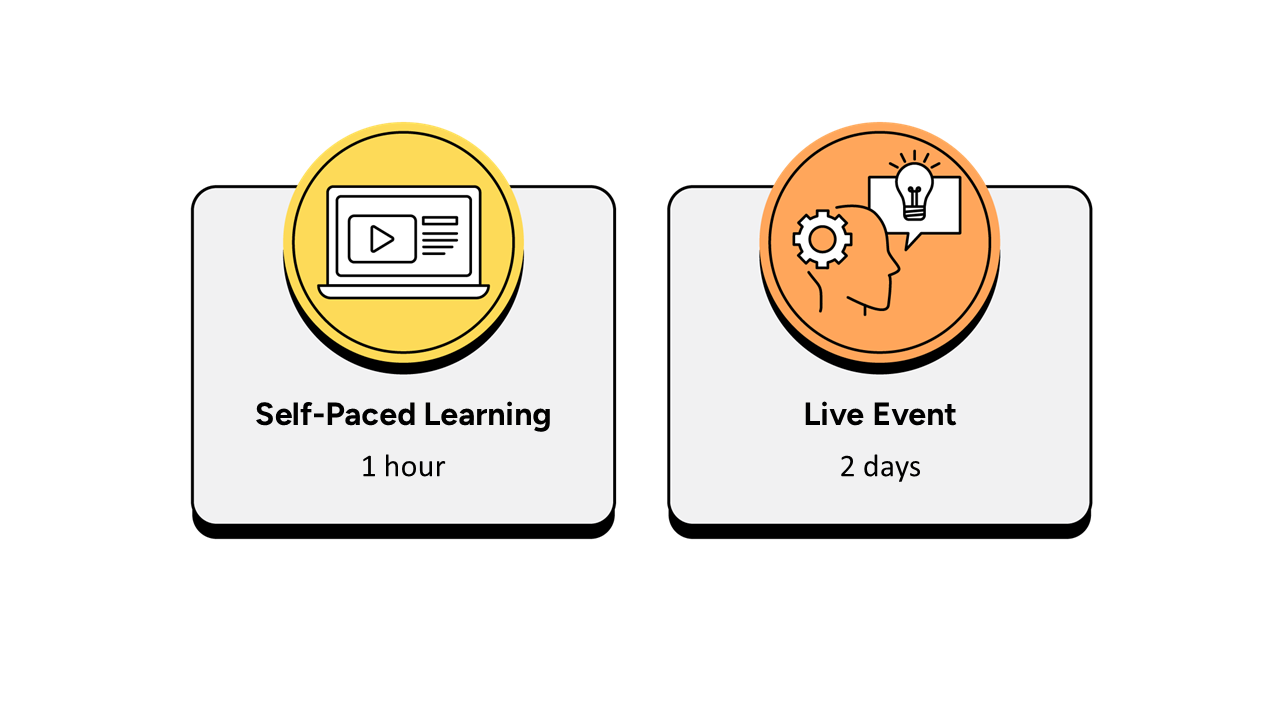
- Up to 1 hour, completed over a 2-week period prior to the live event.
- It is recommended that the self-paced learning is completed prior to joining the live event.
- It is recommended that learners have a minimum of 2 weeks between the course booking and the instructor-led live event to complete the necessary hours of learning.
- The self-paced learning is available 2 weeks prior to the live event and for 12 months following the live event.
Instructor-led live event
- This course has a 2-day live event.

Frequently asked questions
How can I create an account on myQA.com?
There are a number of ways to create an account. If you are a self-funder, simply select the "Create account" option on the login page.
If you have been booked onto a course by your company, you will receive a confirmation email. From this email, select "Sign into myQA" and you will be taken to the "Create account" page. Complete all of the details and select "Create account".
If you have the booking number you can also go here and select the "I have a booking number" option. Enter the booking reference and your surname. If the details match, you will be taken to the "Create account" page from where you can enter your details and confirm your account.
Find more answers to frequently asked questions in our FAQs: Bookings & Cancellations page.
How do QA’s virtual classroom courses work?
Our virtual classroom courses allow you to access award-winning classroom training, without leaving your home or office. Our learning professionals are specially trained on how to interact with remote attendees and our remote labs ensure all participants can take part in hands-on exercises wherever they are.
We use the WebEx video conferencing platform by Cisco. Before you book, check that you meet the WebEx system requirements and run a test meeting to ensure the software is compatible with your firewall settings. If it doesn’t work, try adjusting your settings or contact your IT department about permitting the website.
How do QA’s online courses work?
QA online courses, also commonly known as distance learning courses or elearning courses, take the form of interactive software designed for individual learning, but you will also have access to full support from our subject-matter experts for the duration of your course.
Once you have purchased the Online course and have completed your registration, you will receive the necessary details to enable you to immediately access it through our e-learning platform and you can start to learn straight away, from any compatible device. Access to the online learning platform is valid for one year from the booking date.
All courses are built around case studies and presented in an engaging format, which includes storytelling elements, video, audio and humour. Every case study is supported by sample documents and a collection of Knowledge Nuggets that provide more in-depth detail on the wider processes.
When will I receive my joining instructions?
Joining instructions for QA courses are sent two weeks prior to the course start date, or immediately if the booking is confirmed within this timeframe. For course bookings made via QA but delivered by a third-party supplier, joining instructions are sent to attendees prior to the training course, but timescales vary depending on each supplier’s terms. Read more FAQs.
When will I receive my certificate?
Certificates of Achievement are issued at the end the course, either as a hard copy or via email. Read more here.