Let’s make it work for you
Overview
This two day course povides a comprehensive foundation in multicloud observability, equipping learners with the skills to monitor, trace, and respond to performance and security issues across AWS and Azure environments. Through six progressive modules, participants will explore key concepts such as telemetry collection, centralized logging, distributed tracing, incident response automation, and infrastructure-as-code (IaC) for observability. The final module guides learners in designing a scalable, cost-effective, and compliant multicloud observability strategy tailored to enterprise needs.
Prerequisites
Participants should have:
- A working knowledge of cloud platforms, particularly AWS and Azure
- Familiarity with basic monitoring and logging concepts
- Experience with DevOps practices and tools (e.g., CI/CD pipelines, Git)
- Understanding of infrastructure-as-code principles and tools like Terraform or CloudFormation
Target audience
This course is designed for:
- Cloud architects and engineers managing hybrid or multicloud environments
- DevOps and SRE professionals responsible for monitoring and incident response
- IT operations teams seeking to improve visibility and automation across cloud platforms
- Security and compliance specialists involved in observability governance
- Technical managers and decision-makers designing observability strategies
Delegates will learn how to
By the end of this course, learners will be able to:
- Define and differentiate observability components (metrics, logs, traces, events)
- Design unified monitoring and telemetry architectures across cloud platforms
- Implement cross-cloud dashboards, custom metrics, and business KPIs
- Aggregate and analyze logs securely across AWS and Azure
- Apply distributed tracing for performance optimization
- Automate incident response workflows using cloud-native tools
- Deploy observability stacks using IaC and integrate them into CI/CD pipelines
- Develop a multicloud observability strategy aligned with governance and compliance requirements
Outline
Module 1: Foundations of Multicloud Observability
- Lesson 1: Understanding Observability in a Multicloud World
- Defining observability: metrics, logs, traces, and events
- Differences between monitoring and observability
- Importance of observability in multicloud environments
- Lesson 2: Building a Unified Monitoring Approach Across Clouds
- Designing a centralized observability model across AWS and Azure
- Aligning teams around shared SLOs and SLIs
- Challenges with tooling fragmentation and data silos
- Lesson 3: Telemetry Collection for Multicloud Environments
- Agent-based vs. agentless monitoring
- Instrumentation approaches: OpenTelemetry, SDKs, sidecars
- Handling data volumes and retention policies
- Lesson 4: Scaling Observability Architectures Across Clouds
- Architecting for scalability and fault tolerance
- Multitenancy considerations in shared environments
- Ensuring consistent data quality and normalization
Module 2: Cross-Cloud Monitoring & Metrics Collection
- Lesson 5: Overview of Metrics Tools for Cross-Cloud Monitoring
- AWS CloudWatch vs. Azure Monitor: capabilities and integrations
- Common KPIs and system-level metrics to monitor
- Limitations of native tools in multicloud setups
- Lesson 6: Designing a Multicloud Metrics Architecture
- Metric ingestion and pipeline design
- Normalizing and correlating metrics across platforms
- Using OpenTelemetry Collector to bridge cloud metrics
- Lesson 7: Cross-Cloud Dashboards and Data Visualization
- Building real-time dashboards with Grafana, CloudWatch Dashboards, and Azure Workbooks
- Best practices for cross-cloud visualizations
- Setting up unified views for application and infrastructure health
- Lesson 8: Tracking Custom Metrics and Business KPIs Across Clouds
- Publishing custom application metrics
- Integrating business context into observability
- Alerting on SLIs/SLOs instead of low-level metrics
Module 3: Centralized Logging Across AWS & Azure
- Lesson 9: Understanding Log Sources and Categories in AWS & Azure
- System logs, application logs, audit logs, API logs
- Common log sources in AWS (CloudTrail, Lambda, VPC Flow Logs)
- Common log sources in Azure (Activity Logs, Diagnostics, Log Analytics)
- Lesson 10: Log Aggregation Strategies for Hybrid Cloud Environments
- Centralized vs. federated logging
- Cross-cloud ingestion patterns (e.g., Logstash, Fluent Bit, Kinesis, Azure Monitor Agent)
- Log forwarding, buffering, and retention
- Lesson 11: Querying and Analyzing Logs Across AWS & Azure
- Using AWS CloudWatch Logs Insights and Azure Log Analytics (KQL)
- Building reusable queries for operational and security teams
- Managing schema differences and timestamps
- Lesson 12: Managing Security, Compliance & Access in Centralized Logging
- Ensuring secure transmission and storage of logs
- Role-based access to log data
- Log redaction and masking for compliance
Module 4: Distributed Tracing & Performance Optimization
- Lesson 13: Key Concepts and Terminology in Distributed Tracing
- Understanding spans, traces, context propagation
- Why distributed tracing is essential in multicloud microservices
- Lesson 14: Implementing Distributed Tracing Across Cloud Services
- AWS X-Ray vs. Azure Application Insights
- OpenTelemetry for cross-cloud, vendor-neutral tracing
- Instrumenting code for manual and auto-injected traces
- Lesson 15: Visualizing and Analyzing Distributed Traces
- Trace maps and flame graphs
- Identifying service bottlenecks and latency issues
- Correlating logs and metrics with traces
- Lesson 16: End-to-End Cloud Performance Optimization Using Tracing
- Measuring cold starts, timeouts, and retries
- Impact of multicloud networking on latency
- Performance testing strategies in distributed systems
Module 5: Incident Management & Automated Response
- Lesson 17: Proactive Alerting and Detection in Cloud Environments
- Setting up cross-cloud alerting using CloudWatch Alarms, Azure Alerts
- Reducing alert fatigue with threshold tuning and deduplication
- Defining runbooks and escalation paths
- Lesson 18: Event-Driven Automation for Faster Incident Handling
- AWS EventBridge vs. Azure Event Grid for event routing
- Automating workflows using Lambda, Azure Functions, Step Functions, Logic Apps
- Real-world automation patterns (e.g., auto-remediation, ticketing, scaling)
- Lesson 19: Designing Effective Incident Response Workflows
- Integration with ITSM tools like ServiceNow, Jira
- Postmortems and root cause analysis (RCA)
- SLA/SLO-based prioritization of incidents
- Lesson 20: Automating Security Response Across Cloud Platforms
- Auto-remediation for common security issues (e.g., open ports, IAM misconfigurations)
- Leveraging Security Hub and Microsoft Sentinel for alerts and response
Module 6: Infrastructure as Code (IaC) for Observability & Automation
- Lesson 21: Overview of IaC Tools for AWS & Azure Observability
- AWS CloudFormation, Azure ARM Templates
- Terraform as a cloud-agnostic IaC tool
- Using modules and workspaces for multicloud deployments
- Lesson 22: Deploying Observability Stacks with IaC Across Clouds
- Automating deployment of monitoring agents, log forwarders
- Reusable IaC templates for observability tooling
- Integrating with OpenTelemetry collector and exporters
- Lesson 23: Integrating IaC into CI/CD Pipelines for Automation
- GitHub Actions, Azure DevOps, and AWS CodePipeline for observability setup
- Policy as code with Azure Policy and AWS Config
- Secrets management and sensitive data handling in pipelines
- Lesson 24: Multicloud Governance and Lifecycle Management with IaC
- Version control, drift detection, and rollback
- Automated testing of observability configs
- Enforcing tagging and logging policies via IaC
Module 7: Designing a Multicloud Observability Strategy
- Lesson 25: Selecting the Right Observability Tools for Multicloud Environments
- Evaluating native tools (CloudWatch, Azure Monitor) vs. third-party platforms (Datadog, New Relic, Splunk, Grafana, Prometheus)
- Compatibility with OpenTelemetry and other open standards
- Integration with existing ITSM, DevOps, and security ecosystems
- Scalability, licensing, and support models
- Lesson 26: Correlating Observability Data Across AWS & Azure
- Strategies to correlate metrics, logs, and traces into a unified view
- Creating a consistent tagging and naming convention
- Cross-cloud entity mapping (e.g., instance IDs, resource names)
- Aligning telemetry data with business services and user journeys
- Lesson 27: Balancing Cost and Performance in Observability Design
- Balancing observability depth with telemetry volume and storage costs
- Sampling strategies for traces and logs
- Monitoring high-value workloads vs. full-fleet observability
- Optimizing agent deployment to reduce overhead
- Lesson 28: Centralized vs. Federated Models for Multicloud Observability
- Pros and cons of centralized observability platforms
- Federated observability for distributed teams and autonomy
- Hybrid approaches with data lakes and event buses
- Considerations for global-scale monitoring
- Lesson 29: Governance, Risk, and Compliance in a Multicloud Strategy
- Data residency and cross-border telemetry concerns
- Access control and audit logging for observability data
- Aligning with organizational policies and frameworks (e.g., CIS, ISO, NIST)
- Change management and lifecycle governance of observability assets
Exams and assessments
There is no specific exam or certification associated with this course.
Hands-on learning
This course includes practical labs.
Self-paced learning
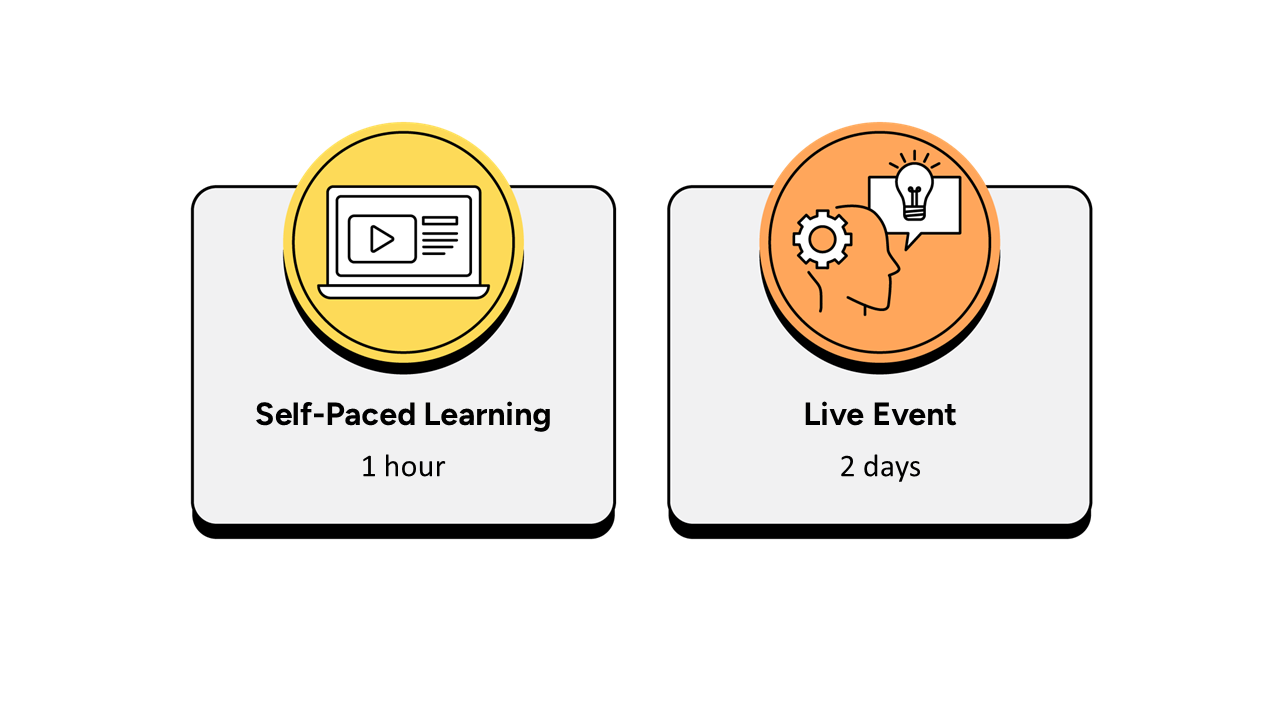
- Up to 1 hour, completed over a 2-week period prior to the live event.
- It is recommended that the self-paced learning is completed prior to joining the live event.
- It is recommended that learners have a minimum of 2 weeks between the course booking and the instructor-led live event to complete the necessary hours of learning.
- The self-paced learning is available 2 weeks prior to the live event and for 12 months following the live event.
Instructor-led live event
- This course has a 2-day live event.

Frequently asked questions
How can I create an account on myQA.com?
There are a number of ways to create an account. If you are a self-funder, simply select the "Create account" option on the login page.
If you have been booked onto a course by your company, you will receive a confirmation email. From this email, select "Sign into myQA" and you will be taken to the "Create account" page. Complete all of the details and select "Create account".
If you have the booking number you can also go here and select the "I have a booking number" option. Enter the booking reference and your surname. If the details match, you will be taken to the "Create account" page from where you can enter your details and confirm your account.
Find more answers to frequently asked questions in our FAQs: Bookings & Cancellations page.
How do QA’s virtual classroom courses work?
Our virtual classroom courses allow you to access award-winning classroom training, without leaving your home or office. Our learning professionals are specially trained on how to interact with remote attendees and our remote labs ensure all participants can take part in hands-on exercises wherever they are.
We use the WebEx video conferencing platform by Cisco. Before you book, check that you meet the WebEx system requirements and run a test meeting to ensure the software is compatible with your firewall settings. If it doesn’t work, try adjusting your settings or contact your IT department about permitting the website.
How do QA’s online courses work?
QA online courses, also commonly known as distance learning courses or elearning courses, take the form of interactive software designed for individual learning, but you will also have access to full support from our subject-matter experts for the duration of your course.
Once you have purchased the Online course and have completed your registration, you will receive the necessary details to enable you to immediately access it through our e-learning platform and you can start to learn straight away, from any compatible device. Access to the online learning platform is valid for one year from the booking date.
All courses are built around case studies and presented in an engaging format, which includes storytelling elements, video, audio and humour. Every case study is supported by sample documents and a collection of Knowledge Nuggets that provide more in-depth detail on the wider processes.
When will I receive my joining instructions?
Joining instructions for QA courses are sent two weeks prior to the course start date, or immediately if the booking is confirmed within this timeframe. For course bookings made via QA but delivered by a third-party supplier, joining instructions are sent to attendees prior to the training course, but timescales vary depending on each supplier’s terms. Read more FAQs.
When will I receive my certificate?
Certificates of Achievement are issued at the end the course, either as a hard copy or via email. Read more here.