Let’s make it work for you
Overview
This course blends the flexibility of self-paced learning with the structure of live, instructor-led sessions. You'll learn from world-class industry experts and gain practical skills to drive meaningful results in your workplace. Our digital platform also empowers you to track your progress and manage your learning journey effectively.
The two-day instructor-led course provides a comprehensive exploration of multicloud architecture principles, focusing on AWS and Azure. Participants will gain hands-on experience and strategic insights into designing, securing, and optimizing multicloud environments. The course covers foundational concepts, identity and access management, networking, compute orchestration, data strategies, observability, infrastructure as code, and cost optimization.
Designed for cloud architects, engineers, and IT professionals, this course blends theory with practical labs to equip learners with the skills needed to build resilient, secure, and cost-effective multicloud solutions.
Prerequisites
Participants should have:
- A foundational understanding of cloud computing concepts
- Basic experience with AWS and/or Azure services
- Familiarity with networking, identity management, and DevOps practices
- Experience with infrastructure as code and containerization is beneficial but not required.
Target audience
This course is designed for:
- Cloud Architects
- Cloud Engineers
- Any IT professional involved in architecting Cloud based solutions using Azure and AWS.
Delegates will learn how to
By the end of this course, learners will be able to:
- Define and evaluate multicloud architecture patterns and use cases
- Design secure identity and access control strategies across cloud platforms
- Implement cross-cloud networking and traffic management solutions
- Deploy and manage compute and container workloads across AWS and Azure
- Architect data storage, replication, and database strategies in multicloud setups
- Monitor and optimize performance using observability tools
- Automate infrastructure and CI/CD pipelines across cloud environments
- Apply FinOps principles to manage and reduce multicloud costs
Outline
Module 1: Multicloud Architecture Foundations
Defining Multicloud Architecture
- What is multicloud and why it matters
- Key drivers for multicloud adoption (compliance, resilience, cost)
- Common multicloud use cases and patterns
Benefits and Challenges
- Avoiding vendor lock-in
- High availability and disaster recovery
- Managing complexity (networking, identity, security)
Multicloud Design Considerations
- Standardization vs. cloud-specific optimizations
- Interoperability and workload portability
- Designing for latency, performance, and redundancy
- Integration of SLAs across cloud providers
Key Architectural Patterns
- Active-active and active-passive architectures
- Hybrid cloud vs. multicloud strategies
- Managing stateful vs. stateless workloads
Module 2: Identity, Security & Access Control Across Clouds
Multicloud Identity Management
- Identity federation (SAML, OIDC, SCIM)
- Cross-cloud identity integration (Azure AD vs. AWS IAM)
- Single Sign-On (SSO) and multi-factor authentication (MFA)
Role-Based Access Control (RBAC) & Policies
- IAM roles, policies, and permissions
- Azure RBAC vs. AWS IAM policies
- Principle of least privilege (PoLP) implementation
Cross-Cloud Security Challenges
- Managing secrets and credentials (AWS Secrets Manager vs. Azure Key Vault)
- Zero Trust security model for multicloud
- Logging and auditing (AWS CloudTrail vs. Azure Monitor)
Module 3: Networking & Interconnectivity for Multicloud
Networking Basics in AWS & Azure
- VPC (AWS) vs. VNet (Azure)
- CIDR block planning and IP address management
Cross-Cloud Connectivity Strategies
- Site-to-site VPNs (AWS Site-to-Site VPN vs. Azure VPN Gateway)
- Dedicated interconnect (AWS Direct Connect vs. Azure ExpressRoute)
- SD-WAN and third-party solutions
Traffic Management & Load Balancing
- AWS Elastic Load Balancer vs. Azure Load Balancer
- Global load balancing (AWS Global Accelerator vs. Azure Front Door)
- Traffic steering between clouds using DNS (Route 53 vs. Azure Traffic Manager)
Security & Performance Considerations
- End-to-end encryption (TLS, IPSec)
- Latency optimization and bandwidth management
- DDoS protection strategies across clouds
Module 4: Compute & Container Orchestration Across AWS & Azure
Compute Services Overview
- EC2 vs. Azure Virtual Machines
- Serverless options (AWS Lambda vs. Azure Functions)
- Auto-scaling strategies in both clouds
Containerization and Kubernetes
- AWS EKS vs. Azure AKS
- Running multi-cloud Kubernetes clusters
- Service mesh for cross-cloud communication (Istio, Linkerd)
Hybrid and Edge Computing
- AWS Outposts vs. Azure Stack
- Running workloads at the edge (AWS Wavelength, Azure Edge Zones)
Optimizing Compute for Cost & Performance
- Spot Instances vs. Azure Spot VMs
- Compute Savings Plans and Reserved Instances
Module 5: Data & Storage Management in a Multicloud Setup
Cloud Storage Options
- AWS S3 vs. Azure Blob Storage
- Block storage (EBS vs. Azure Managed Disks)
- File storage solutions (Amazon FSx vs. Azure Files)
Cross-Cloud Data Replication
- AWS DataSync vs. Azure Data Box
- Ensuring data consistency (eventual vs. strong consistency)
- Backup and disaster recovery solutions
Database Strategies
- Managed databases (AWS RDS vs. Azure SQL Database)
- NoSQL options (DynamoDB vs. CosmosDB)
- Cross-cloud database replication and failover
Data Security & Compliance
- Encryption at rest and in transit
- Cross-region data governance and sovereignty considerations
Module 6: Observability & Monitoring Across Clouds
Monitoring Tools & Services
- AWS CloudWatch vs. Azure Monitor
- Distributed tracing tools (AWS X-Ray vs. Azure Application Insights)
Log Aggregation & Analysis
- Centralized logging strategies (AWS OpenSearch vs. Azure Log Analytics)
- Cross-cloud SIEM solutions (AWS Security Hub, Microsoft Sentinel)
Real-Time Alerts & Incident Management
- Setting up alerts and notifications across clouds
- Integrating with third-party observability platforms (Datadog, Splunk, Prometheus)
Multicloud Performance Optimization
- Synthetic monitoring and real-user monitoring (RUM)
- Latency troubleshooting and mitigation
Module 7: Infrastructure as Code & CI/CD for Multicloud
Infrastructure as Code (IaC) Overview
- AWS CloudFormation vs. Azure Resource Manager
- Using Terraform for cloud-agnostic deployments
CI/CD Pipelines for Multicloud
- AWS CodePipeline vs. Azure DevOps
- GitHub Actions for multicloud automation
- Containerized deployments with AWS CodeBuild & Azure Pipelines
Automation & Configuration Management
- Ansible, Chef, and Puppet for cross-cloud configurations
- Policy as Code for security and compliance (AWS Config vs. Azure Policy)
Best Practices for Multicloud DevOps
- Managing state and secrets in pipelines
- Blue-green and canary deployments across clouds
Module 8: Cost Optimisation & FinOps for Multicloud
Understanding Cloud Costs
- AWS Cost Explorer vs. Azure Cost Management
- Multicloud billing challenges and hidden costs
FinOps Framework for Multicloud
- Tagging and cost allocation best practices
- Optimizing reserved instances and savings plans
Rightsizing & Optimization Techniques
- Automated instance rightsizing tools
- Storage tiering strategies to reduce costs
Cost Visibility & Reporting
- Cross-cloud cost dashboards and third-party tools (CloudHealth, Apptio)
- Building a cost-aware engineering culture
Exams and assessments
There is no specific exam or certification associated with this course.
Hands-on learning
This course includes the following practical labs:
- Multicloud Networking: Securely Connecting Virtual Networks in AWS and Azure
- Compute & Serverless Resource Orchestration in Azure
- Multicloud Observability: Single Pane of Glass for AWS and Azure
- Multi-Cloud Infrastructure as Code with Terraform and Ansible
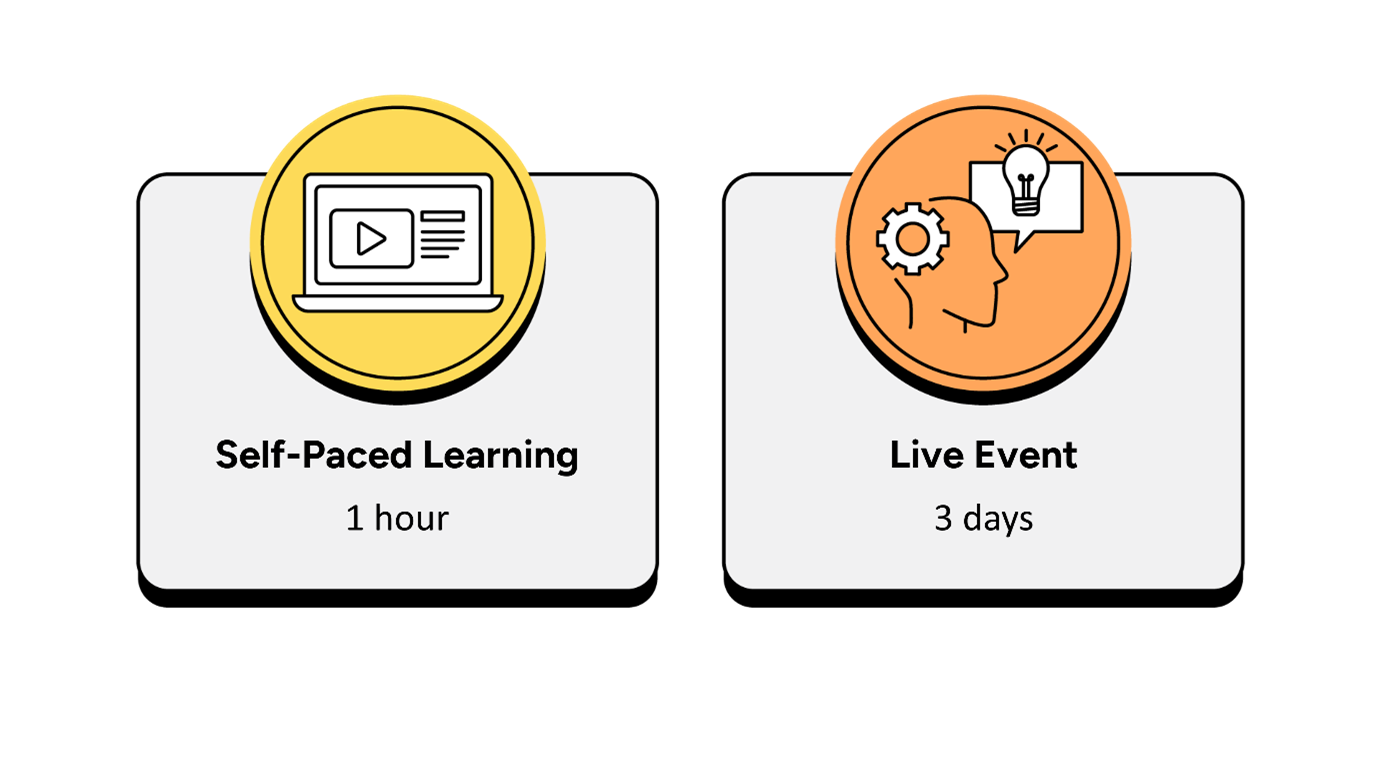
Self-paced learning
- Up to 1 hour, completed over a 2-week period prior to the live event.
- It is recommended that the self-paced learning is completed prior to joining the live event.
- It is recommended that learners have a minimum of 2 weeks between the course booking and the instructor-led live event to complete the necessary hours of learning.
- The self-paced learning is available 2 weeks prior to the live event and for 12 months following the live event.
Instructor-led live event
- This course has a 2-day live event.

Frequently asked questions
How can I create an account on myQA.com?
There are a number of ways to create an account. If you are a self-funder, simply select the "Create account" option on the login page.
If you have been booked onto a course by your company, you will receive a confirmation email. From this email, select "Sign into myQA" and you will be taken to the "Create account" page. Complete all of the details and select "Create account".
If you have the booking number you can also go here and select the "I have a booking number" option. Enter the booking reference and your surname. If the details match, you will be taken to the "Create account" page from where you can enter your details and confirm your account.
Find more answers to frequently asked questions in our FAQs: Bookings & Cancellations page.
How do QA’s virtual classroom courses work?
Our virtual classroom courses allow you to access award-winning classroom training, without leaving your home or office. Our learning professionals are specially trained on how to interact with remote attendees and our remote labs ensure all participants can take part in hands-on exercises wherever they are.
We use the WebEx video conferencing platform by Cisco. Before you book, check that you meet the WebEx system requirements and run a test meeting to ensure the software is compatible with your firewall settings. If it doesn’t work, try adjusting your settings or contact your IT department about permitting the website.
How do QA’s online courses work?
QA online courses, also commonly known as distance learning courses or elearning courses, take the form of interactive software designed for individual learning, but you will also have access to full support from our subject-matter experts for the duration of your course.
Once you have purchased the Online course and have completed your registration, you will receive the necessary details to enable you to immediately access it through our e-learning platform and you can start to learn straight away, from any compatible device. Access to the online learning platform is valid for one year from the booking date.
All courses are built around case studies and presented in an engaging format, which includes storytelling elements, video, audio and humour. Every case study is supported by sample documents and a collection of Knowledge Nuggets that provide more in-depth detail on the wider processes.
When will I receive my joining instructions?
Joining instructions for QA courses are sent two weeks prior to the course start date, or immediately if the booking is confirmed within this timeframe. For course bookings made via QA but delivered by a third-party supplier, joining instructions are sent to attendees prior to the training course, but timescales vary depending on each supplier’s terms. Read more FAQs.
When will I receive my certificate?
Certificates of Achievement are issued at the end the course, either as a hard copy or via email. Read more here.